
How to Get More Hotel Bookings from Google: Website, SEO, Maps, and Local Search
A practical guide to optimizing your hotel website, Google Business Profile, and local SEO to increase direct bookings through Google Search and Maps.
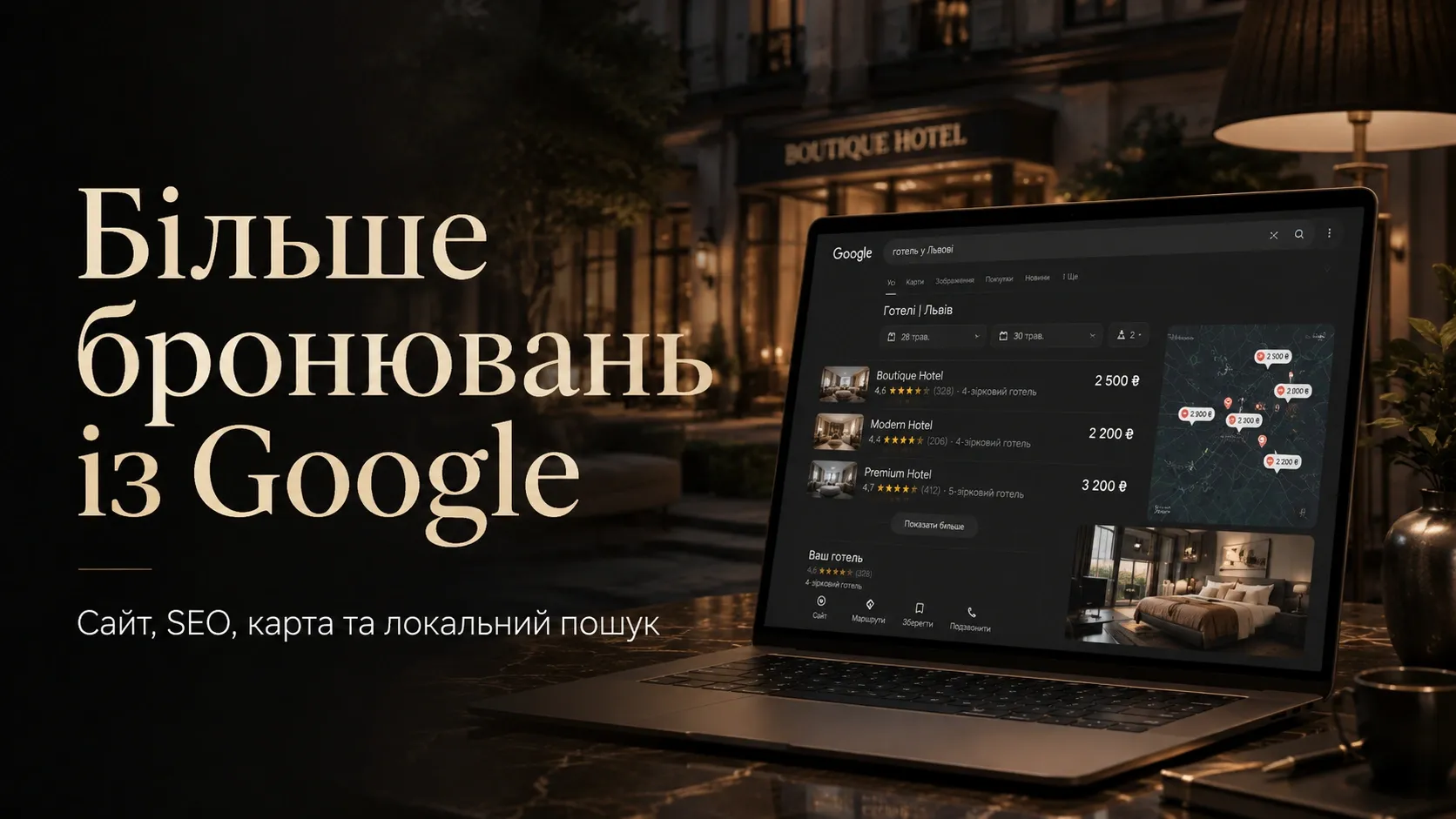
Imagine a potential guest searching for a place to stay in your city or region. They type queries like "hotel with pool near the sea," "boutique hotel in Lviv city center," or "family vacation in the Carpathians." Will your hotel appear in the top Google results? Will they choose your property among dozens of competitors who have already optimized their websites and profiles?
Direct bookings through Google are not accidental—they result from systematic work on your website, local SEO, and Google Business Profile. In this article, we’ll explore how to turn Google into a stable source of customers for your hotel, aparthotel, vacation base, or countryside complex.
Why Google Is a Critical Channel for Bookings
Most guests start trip planning with a Google search. According to traveler behavior studies:
- 47% of guests choose a hotel based on information found on Google.
- 76% of tourists check Google Maps before booking a room.
- 60% of bookings via Google come from mobile devices.
If your hotel isn’t optimized for local search, you’re losing potential customers at the very first touchpoint. Meanwhile, competitors who have already worked on SEO and Google Business Profile receive bookings directly from search results.
Key Elements of a Successful Strategy
To get more bookings through Google, you need to work on several aspects simultaneously:
- Hotel Website — the foundation for SEO and conversion.
- Google Business Profile — your business card on Maps and local search.
- Local SEO — optimization for guest queries in your region.
- Reviews and Reputation — social proof that influences booking decisions.
- Content and Photos — compelling materials that showcase your hotel’s advantages.
- Website Speed and Mobile Adaptation — technical factors affecting rankings and conversion.
Let’s examine each of these elements in detail.
1. Hotel Website: How to Make It a Booking Tool
A hotel website is not just an online business card—it’s a full-fledged sales tool. If it’s not optimized for search and conversion, you lose customers even after they land on your page.
Website Structure That Drives Bookings
A well-designed hotel website has a clear structure that guides guests toward booking:
- Homepage — a brief overview of offers, promotions, and unique advantages.
- Room Pages — detailed information about each room type with photos, prices, and booking options.
- Location Pages — if you have multiple properties, each should have a dedicated page with location details and directions.
- Blog or "Things to Do" Section — useful content that attracts organic traffic (e.g., "Best Hiking Spots Near Our Hotel").
- Reviews Page — social proof from real guests.
- Contact and Booking Page — a convenient form for quick booking requests.
SEO Optimization of the Website
For your website to rank high in Google, it must be optimized for real guest queries. Here are the key steps:
Keywords: What Guests Are Searching For
Use keyword research tools (e.g., Google Keyword Planner or Ahrefs) to analyze queries related to your hotel. Main keyword groups:
- Local queries: "hotel in Truskavets," "vacation base in the Carpathians," "aparthotel near the sea."
- Booking intent queries: "book a room in Lviv," "hotel with pool price," "family hotel nearby."
- Detailed queries: "hotel with playground," "wedding hotel," "hotel with parking."
Optimizing Room Pages
Each room type should have a dedicated page with a unique description, photos, and booking options. Example:
- URL:
/standard-room - Meta Description: "Cozy standard room at [Hotel Name] in [City]. Comfortable bed, Wi-Fi, air conditioning. Book online at the best price!"
- H1: "Standard Room at [Hotel Name]"
- Content: Detailed room description, advantages, photos, prices, and booking terms.
Optimizing Location Pages
If you have multiple properties (e.g., a city-center hotel and a countryside base), each should have a dedicated page with:
- A unique location description.
- Photos of the infrastructure and nearby attractions.
- A map with the property marked.
- Directions.
- Booking options.
Example optimization for a location page:
- Meta Description: "Cozy vacation base in the Carpathians. Cottages with fireplaces, playground, ski rentals. Book your family vacation online!"
Technical SEO
Even the best content won’t rank if the website has technical issues:
- Loading Speed: Use Google PageSpeed Insights for analysis and optimization.
- Mobile Adaptation: The website must display correctly on smartphones.
- Security: An SSL certificate (HTTPS) is mandatory.
- Clean Code: Avoid duplicate meta tags, broken links, and other errors.
- Structured Data: Use Schema.org markup for rooms, reviews, and contacts.
Conversion: Turning Visitors into Guests
Website optimization isn’t just about SEO—it’s also about making the booking process as smooth and transparent as possible:
- Clear Call-to-Action: The "Book Now" button should be visible on every page.
- Simple Booking Form: Minimize fields (name, dates, number of guests, contact info).
- Online Cost Calculator: Guests want to see the final price, including extras.
- Booking Confirmation: Send an email or SMS with booking details immediately after submission.
- Chat or Chatbot: Provide quick answers to questions without phone calls.
2. Google Business Profile: Your Business Card on Maps
Google Business Profile (formerly Google My Business) is a free tool that lets you manage how your hotel appears in Google Search and Google Maps. A properly set up profile can significantly increase direct bookings.
How to Optimize Google Business Profile
Fill in All Information
Google prioritizes profiles with complete information. Required fields:
- Hotel Name: Use the official name without extra keywords.
- Category: Choose the most relevant (e.g., "Hotel," "Vacation Base," "Aparthotel").
- Address: Exact address with postal code.
- Phone and Website: Working contact details.
- Business Hours: Reception or administration working hours.
- Photos and Videos: High-quality images of rooms, infrastructure, and nearby attractions.
- Description: A short text about your hotel with keywords (e.g., "Cozy family hotel in the Carpathians with a pool and playground").
Use Keywords Naturally
In descriptions and responses to guest questions, use keywords they search for. Examples:
- "Our hotel is perfect for family vacations in Truskavets."
- "We offer rooms with sea views and free parking."
Encourage Guests to Leave Reviews
Reviews on Google Business Profile are a key ranking factor for local search. The more positive reviews, the higher your hotel will appear in results.
- Ask Guests to Leave Reviews: Send an email or SMS after checkout requesting feedback.
- Respond to Reviews: Public responses show you value feedback.
- Resolve Issues Publicly: If a guest leaves a negative review, offer a solution in the comments.
Add Posts and Updates
Google Business Profile allows you to publish posts about promotions, events, or news. This helps keep your profile active and attract more guests.
- Promotions and Special Offers: "20% off bookings in May!"
- Events: "Live music every Friday."
- News: "We’ve opened a new restaurant on-site."
3. Local SEO: How to Rank in Local Search
Local SEO is optimizing your website and profiles for user queries in a specific region. For hotels, this is critically important, as most guests search for accommodations in a particular location.
Key Local SEO Factors
Google Business Profile
As mentioned earlier, Google Business Profile is the foundation of local SEO. Without it, your hotel won’t appear in the local "3-pack" (top three local results).
Mentions in Directories
Google considers mentions of your hotel in other directories (e.g., Booking.com, TripAdvisor, Yelp, local listings). Ensure information is consistent across all sources:
- Hotel name.
- Address.
- Phone.
- Website.
Reviews on Other Platforms
Reviews on Booking.com, TripAdvisor, and other platforms also affect Google rankings. Encourage guests to leave reviews not only on Google but also on other sites.
Local Backlinks
Backlinks from local business websites, blogs, or media boost your website’s authority in Google’s eyes. Examples:
- Partner with local restaurants ("Our guests get a discount at [Restaurant Name]").
- Participate in local events ("We hosted attendees of the [Event Name] festival").
Content for Local Audiences
Create content tailored to your target audience. Examples:
- "Best Hiking Spots Near Our Hotel."
- "What to See in [City] in One Day."
- "Family Vacation in the Carpathians: Tips and Routes."
4. Reviews and Reputation: Social Proof for Bookings
Reviews are one of the most important factors influencing booking decisions. Studies show 88% of travelers read reviews before booking a room.
How to Work with Reviews
Encourage Guests to Leave Reviews
The more reviews, the better. Here’s how to get them:
- After Checkout: Send an email or SMS requesting feedback.
- During Stay: Ask guests if they’re enjoying their stay and request a review after checkout.
- Through Staff: Train reception staff to gently remind guests about reviews.
Respond to All Reviews
Public responses show you value feedback and are willing to resolve issues.
- Positive Reviews: Thank the guest for their feedback.
- Negative Reviews: Apologize for inconveniences and offer a solution.
Use Reviews on Your Website
Add a reviews section to your homepage and room pages. This builds trust and increases conversion.
5. Photos and Videos: Showcasing Your Hotel’s Advantages
High-quality photos and videos are one of the most effective ways to convince potential guests to choose your hotel. Studies show 67% of travelers consider photos the most important factor when selecting a hotel.
How to Create Photos That Sell
Professional Photo Shoot
Invest in a professional photo shoot of rooms, infrastructure, and nearby attractions. Photos should be:
- High-Quality: Clear, well-lit images.
- Realistic: Show real conditions, not overly retouched images.
- Diverse: Rooms, restaurant, pool, playground, hotel grounds.
Hotel Video Tour
A short video (1-2 minutes) showcasing the hotel and rooms can significantly boost conversion. Use it on your website and Google Business Profile.
Photos for Website and Google Business Profile
- Main Photo: Exterior view or the most attractive room.
- Room Photos: Each room type should have multiple angles.
- Infrastructure Photos: Restaurant, pool, conference hall, playground.
- Nearby Attractions: Show what’s interesting nearby.
6. Website Speed and Mobile Adaptation
Website loading speed and mobile adaptation are critical factors for SEO and conversion.
Why Website Speed Matters
- SEO Impact: Google considers loading speed when ranking sites.
- Conversion Impact: Studies show 53% of users leave a site if it takes longer than 3 seconds to load.
How to Optimize Website Speed
Use Google PageSpeed Insights
This tool analyzes website speed and provides optimization recommendations. Key tips:
- Compress Images: Use WebP or optimized JPEG formats.
- Enable Caching: Set up server-side and browser caching.
- Minify CSS and JavaScript: Remove unnecessary code and styles.
- Use a CDN: Distribute static content across servers in different regions.
Mobile Adaptation
Most guests book rooms from mobile devices. Ensure your website:
- Displays Correctly on smartphones and tablets.
- Has Convenient Controls: Buttons and forms should be large enough for finger tapping.
- Loads Quickly on mobile internet.
Conclusion: How to Start Getting More Bookings Today
Google can become a stable source of direct bookings for your hotel if you systematically work on:
- Website: Optimize structure, content, and technical parameters for SEO and conversion.
- Google Business Profile: Fill out the profile completely, encourage reviews, and update information regularly.
- Local SEO: Work on mentions in directories, reviews, and local content.
- Reviews and Reputation: Encourage guests to leave reviews and respond professionally.
- Photos and Videos: Invest in professional photography and video tours.
- Website Speed: Optimize page loading and mobile adaptation.
Start with the most important steps:
- Register or update your Google Business Profile.
- Create dedicated pages for each room type and location.
- Launch a review collection campaign among guests.
- Audit website speed and optimize it.
If you lack the time or resources for self-optimization, turn to professionals. The SwiftyFlux team can create a high-conversion hotel website and set up Google Business Profile for maximum search visibility.
Remember: every day without optimization is lost customers and bookings going to your competitors.
Need Help with Optimization?
The SwiftyFlux team can create a high-conversion hotel website and set up Google Business Profile for maximum search visibility. Get more direct bookings without intermediaries.
FAQ
Why doesn’t my hotel appear in the top Google results?
Most likely, your website and Google Business Profile aren’t optimized for guest queries. Check if your Google Maps profile is complete, if your website has dedicated pages for rooms and locations, and if you’re using keywords in your content.
How soon can I see results from optimization?
You may notice the first results within 2-4 weeks after optimizing your Google Business Profile and website. However, consistent top rankings require 3-6 months of ongoing SEO, review management, and content work.
Is it worth paying for Google ads if the website isn’t optimized?
Ads can bring bookings even with an unoptimized website, but the cost per customer will be higher. Optimize your website and profile before launching ads to reduce costs and improve conversion.
How can I encourage guests to leave reviews?
The simplest way is to ask guests after checkout. Send a thank-you email or SMS with a link to your Google reviews. You can also place a QR code at the reception desk leading to your Google profile.
Do I need to create separate pages for each room?
Yes, this significantly improves SEO and conversion. Each room type should have its own page with a unique description, photos, prices, and booking options. This helps guests find the option that suits them best.