
CRM vs. Excel for Hotels: When Spreadsheets Are No Longer Enough
Why Excel creates chaos in hotel bookings, payments, and staff workflows, and when it's time to switch to a CRM system. Practical examples and selection criteria.
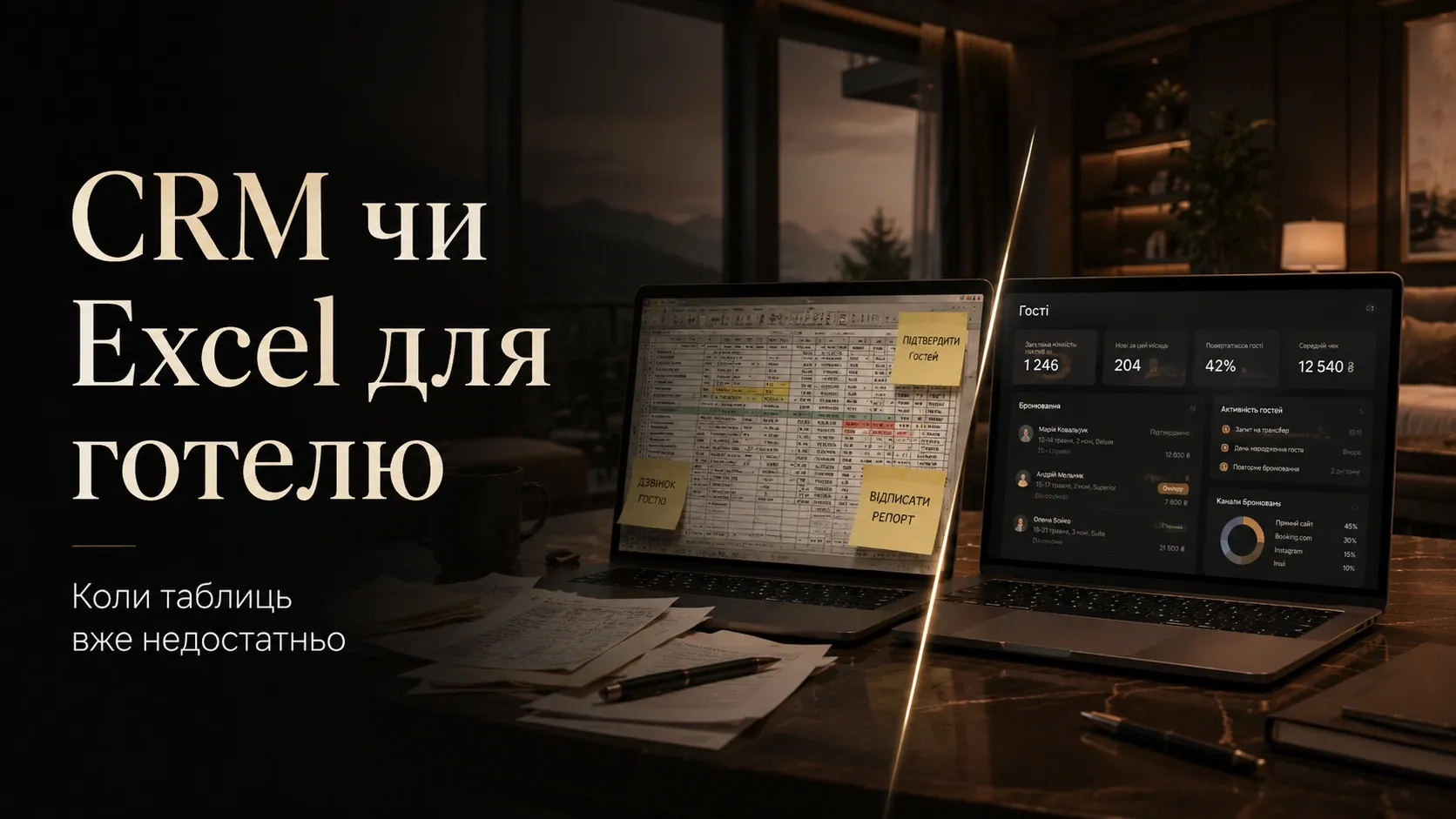
Imagine a typical morning in a small hotel. The receptionist opens an Excel file with bookings, scanning several sheets: "Bookings," "Payments," "Guests," "Housekeeping," "Cancellations." Everything seems organized—until the first problem arises.
A guest calls to ask if there are any rooms available for the weekend. The receptionist checks the "Bookings" sheet, sees available rooms, and confirms the reservation. But they don’t notice that in the "Payments" sheet, the same room is already booked by another guest who has partially paid for their stay. Result: double booking, guest conflicts, wasted time resolving the issue, and a potential negative review.
This isn’t fiction—it’s the reality for many small hotels, resorts, and aparthotels still relying on Excel. Let’s explore the problems caused by manual tracking, when spreadsheets become insufficient, and how a CRM system helps avoid these issues.
Why Excel Becomes Your Hotel’s Enemy
1. Double Bookings and Accounting Errors
Excel can’t automatically block a room when it’s booked. If two employees open the file simultaneously and book the same room, the system won’t warn of a conflict. You’ll only discover the problem when both guests arrive for check-in.
Example:
- A 15-room hotel. During peak season, each room is booked 2-3 times per week.
- Excel lacks synchronization between "Bookings" and "Payments" sheets.
- One employee sees a free room, while another sees it as booked but unpaid.
- Result: The hotel loses money and reputation.
2. Lost Payments and Financial Chaos
Tracking the payment status of each booking in Excel is difficult. You might miss partial payments or prepayments entirely. Without automated reminders for outstanding balances, financial losses become inevitable.
Payment tracking issues:
- No automatic link between bookings and payments.
- Staff forget to check payment status before check-in.
- Guests may check in without paying the full amount.
- Manual refund and cancellation tracking leads to reporting errors.
3. No Guest Interaction History
Excel doesn’t store email correspondence, call history, or special guest requests. If a guest calls again and speaks to a different employee, the latter won’t know the guest needs a top-floor room due to carpet allergies. Result: dissatisfied guests and lost opportunities for personalized service.
Consequences:
- Impossible to track returning guests.
- No data for loyalty programs.
- Staff waste time re-asking for information.
4. Chaos in Housekeeping and Room Service
Tracking room cleaning status in Excel is challenging. You can’t see which rooms are ready for check-in and which still need attention, leading to delays and guest dissatisfaction.
Typical problems:
- No automatic reminders for housekeeping.
- Staff don’t know which rooms need cleaning after check-out.
- Guest check-ins are delayed due to unprepared rooms.
5. Difficulties with Cancellations and Refunds
Excel doesn’t automate the cancellation process. If a guest cancels, the employee must manually:
- Remove the booking from the sheet.
- Check the payment status.
- Process refunds (if a prepayment was made).
- Update the "Housekeeping" sheet if the room was already prepared.
Each cancellation takes 10-15 minutes. During high season, this leads to delays and errors.
6. Lack of Reporting and Analytics
Getting a clear picture of hotel operations from Excel is difficult. You can’t quickly determine:
- Which rooms are booked most often.
- How many guests return.
- Which months are most profitable.
- How many bookings are canceled and why.
Without analytics, you make decisions blindly: unsure whether to raise prices in a certain season, whether additional room service is needed, or how to improve guest service.
When Excel Is No Longer Enough: Criteria for Switching to CRM
Excel might work for a 5-room hotel with bookings once a week. But as your business grows, manual tracking becomes a bottleneck. Here are signs it’s time to switch to a CRM system:
| Sign | Excel | CRM |
|---|---|---|
| Number of monthly bookings | Up to 20 | 20 or more |
| Number of rooms | Up to 10 | 10 or more |
| Repeat bookings | Rare | Regular |
| Reporting needs | Minimal | High |
| Time per booking | 5-10 minutes | Less than 1 minute |
| Risk of double bookings | High | None |
| Automated payment reminders | No | Yes |
| Guest interaction history | No | Yes |
If 3-4 of these points apply to your hotel, it’s time to consider CRM.
How CRM Solves Hotel Problems
A CRM system for hotels (or PMS—Property Management System) automates key processes: bookings, payments, guest management, housekeeping, and reporting. Here’s how it helps avoid chaos:
1. Avoiding Double Bookings
CRM automatically blocks a room when booked. If one employee confirms a reservation, the system won’t allow another to book the same room. You see the real-time status of each room.
Example:
- A guest books a room through the website.
- CRM instantly updates the calendar and blocks the room.
- Another guest tries to book the same room—system shows it’s occupied.
2. Automatic Payment Control
CRM links bookings with payments. You see who has paid, who owes money, and who needs a reminder. The system can automatically send SMS or email reminders.
Payment management features:
- Automatic invoice generation.
- Payment reminders.
- Partial payment options.
- Integration with payment systems (LiqPay, WayForPay, etc.).
3. Full Guest Interaction History
CRM stores all guest data: previous bookings, special requests, reviews, payment history. When a guest calls again, the employee immediately sees their needs.
Benefits:
- Ability to offer personalized services.
- Easier to attract returning guests.
- Convenient loyalty program management.
4. Organizing Housekeeping
CRM automatically creates tasks for housekeeping. You see which rooms need cleaning after check-out and which are ready for check-in. The system can send reminders to housekeeping via a mobile app.
How it works:
- Upon guest check-out, CRM automatically creates a cleaning task.
- Housekeeper receives a notification on their phone.
- After cleaning, they mark the room as ready.
- Receptionist sees the current room status.
5. Managing Cancellations and Refunds
CRM automates the cancellation process. If a guest cancels, the system:
- Frees up the room in the calendar.
- Checks the payment status.
- Processes refunds (if a prepayment was made).
- Sends confirmation to the guest.
All this takes less than a minute, avoiding errors.
6. Reporting and Analytics
CRM provides ready-made reports on hotel operations. You see:
- Room occupancy over time.
- Revenue and expenses.
- Number of cancellations and reasons.
- Repeat bookings.
- Guest ratings and reviews.
This data helps make informed decisions: adjust prices, improve service, optimize staff workflows.
How to Choose a CRM for Your Hotel
There are many CRM systems for hotels, but not all suit small properties. Here’s what to consider when choosing:
1. Functionality
CRM should include all key modules:
- Bookings and calendar.
- Guest management.
- Payment tracking.
- Housekeeping.
- Reporting.
2. Ease of Use
The system should be intuitive for staff without extensive training. Check the interface: is it easy to find information, manage bookings?
3. Integrations
CRM should integrate with:
- Your website (for online bookings).
- Payment systems.
- Sales channels (Booking.com, Airbnb, etc.).
- Email and SMS services for automatic reminders.
4. Mobile Access
Staff should be able to manage bookings and housekeeping via a mobile app. This is especially important for housekeepers and managers not always at a computer.
5. Cost
For small hotels, flexible pricing is important. Some CRMs offer free versions with limited functionality or pay-per-room pricing.
6. Support and Training
Choose a system with Ukrainian/Russian language support and training materials (videos, guides). This helps implement CRM faster.
Practical Steps to Transition from Excel to CRM
Switching to CRM isn’t instantaneous—it’s a process. Here’s how to make it painless:
Step 1: Choose a CRM
Analyze several systems, use demo versions or free trials. Focus on how the system solves your Excel-related problems.
Step 2: Migrate Data
Export data from Excel to CRM. Most systems have tools for importing bookings, guests, and payments. If needed, contact CRM support for help.
Tip:
- Start with current bookings. Historical data can be migrated later.
- Verify all data was imported correctly.
Step 3: Train Staff
Conduct training for employees: show how to use CRM, where to find information, how to process bookings and payments. Pay special attention to receptionists and housekeepers.
Tip:
- Create a short guide with CRM basics.
- Assign a responsible person for CRM implementation (e.g., hotel manager).
Step 4: Use Excel and CRM in Parallel
For the first week, work simultaneously with Excel and CRM. This helps identify potential errors and get used to the new system. Gradually phase out manual tracking.
Step 5: Automate Processes
Set up automatic payment reminders, booking confirmations, and housekeeping tasks. This reduces staff workload and minimizes errors.
Step 6: Analyze Reports
Use CRM reports to make decisions. For example:
- Which rooms are booked most often? Maybe highlight them in advertising.
- How many bookings are canceled? Maybe adjust cancellation policies.
- Which months are most profitable? Plan purchases and equipment maintenance.
Conclusion: Excel Is the Past, CRM Is the Future
Excel might work for a very small hotel with minimal guest flow. But as your business grows, manual tracking becomes a source of errors, losses, and chaos.
A CRM system isn’t a luxury—it’s a necessity for any hotel that wants to:
- Avoid double bookings.
- Control payments and reduce debt.
- Create personalized guest service.
- Optimize staff workflows.
- Make data-driven decisions.
Switching to CRM is an investment in your hotel’s future. It pays off within the first few months by reducing errors, saving time, and improving service quality.
If you’re still using Excel for bookings, now’s the time to consider changes. Don’t wait until spreadsheet chaos leads to financial losses and dissatisfied guests. Start with a CRM demo and see how much easier hotel management can be.
Ready to automate hotel management?
We’ll help you choose and implement a CRM system to eliminate chaos in bookings, payments, and staff workflows. Contact us for a consultation and learn more about solutions for your business.
FAQ
Is CRM suitable for a small 5-room hotel?
Yes, but not always necessary. If you have fewer than 20 bookings per month and minimal reporting needs, Excel might suffice. However, if you plan to grow your business, CRM will help avoid future chaos.
How much does implementing a CRM for a hotel cost?
Cost depends on the chosen system and number of rooms. Some CRMs offer free versions with limited functionality or pay-per-room pricing (from $10-20 per month per room). Also consider training and integration costs.
Can CRM integrate with Booking.com and other booking platforms?
Yes, most modern hotel CRMs support integration with popular sales channels like Booking.com, Airbnb, Expedia, etc. This allows automatic booking synchronization and avoids double bookings.
How does CRM help with housekeeping?
CRM automatically generates tasks for housekeeping based on the booking schedule. Housekeepers receive phone notifications about rooms needing cleaning and can mark them as ready for check-in. This reduces coordination time and avoids check-in delays.
Is it difficult to migrate data from Excel to CRM?
Most CRMs have tools for importing data from Excel. You’ll need to prepare a file with bookings, guests, and payments in a specific format. CRM support can assist with data migration if needed.
What are the advantages of CRM over Excel for reporting?
CRM provides ready-made reports on room occupancy, revenue, expenses, cancellations, repeat bookings, and other key metrics. You get real-time data, helping make informed decisions for hotel development.