
Hotel Website: What It Must Have to Drive Direct Bookings
How to create a hotel website that works as a full-fledged direct booking channel: structure, room pages, photos, prices, online booking, payment, trust, reviews, maps, and CRM/PMS integration.
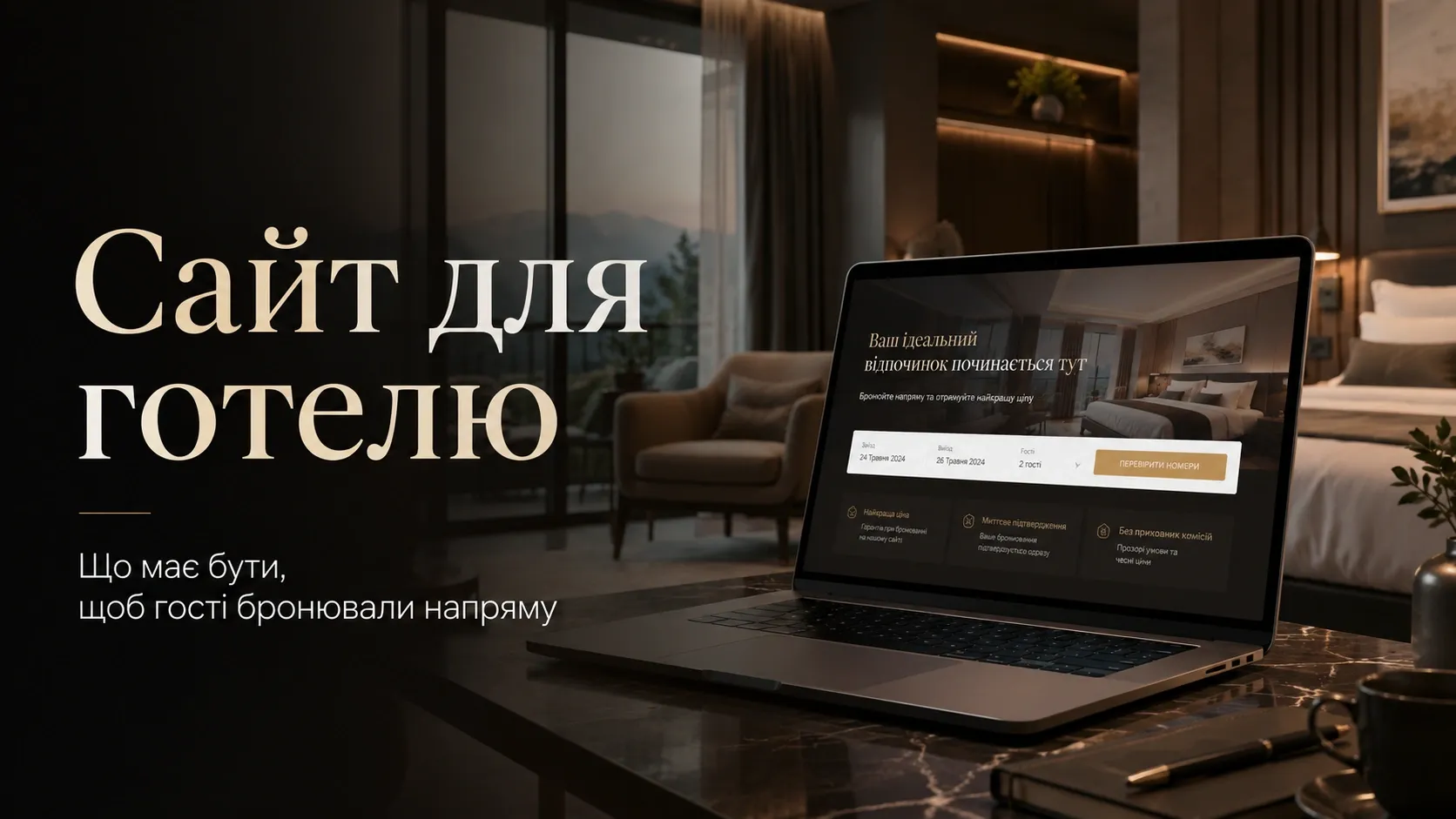
In today’s hotel industry, a website is not just a digital business card—it’s a powerful sales tool. According to industry insights, hotels that actively develop their own booking channels reduce dependence on OTA platforms (Booking, Expedia, etc.) by 30-50% and significantly increase profitability. Direct bookings mean lower commissions, better price control, and a direct connection with guests.
This article explains how to create a hotel website that doesn’t just inform but converts visitors into guests who book rooms directly.
Why Hotels Lose Customers Due to Their Websites
Many hotels face common issues:
- Lack of convenient online booking—guests go to Booking.com because the process takes just 2 minutes there.
- Poor-quality photos and room descriptions—guests don’t understand what they’re booking and choose competitors with better visuals.
- Complex pricing—hidden fees for breakfast, parking, or Wi-Fi deter customers.
- Lack of trust—no reviews, certificates, or payment security guarantees.
- Non-optimized mobile experience—60% of bookings happen on phones, but many sites aren’t mobile-friendly.
- Manual booking processing—time wasted on correspondence and errors due to lack of automation.
The result? Hotels pay high OTA commissions, lose direct contact with guests, and can’t control pricing.
Hotel Website Structure: What’s Essential
For a website to function as a sales channel, it must include key pages and elements.
1. Homepage: The First Impression
The homepage is the face of the hotel. It should include:
- A clear headline with a unique selling proposition (e.g., «Boutique hotel in central Kyiv with panoramic Dnipro River views»);
- A video or photo slider showcasing the hotel’s best angles and rooms;
- A «Book Now» button in the visible area (no scrolling required);
- A brief description of benefits (location, services, features);
- Guest reviews (with photos and names);
- A map with the hotel’s location and key nearby points of interest;
- A «Why Us?» section with icons (e.g., free Wi-Fi, 24/7 reception, airport transfer).
Example: A hotel in the Carpathians should feature photos of mountain landscapes, the spa zone, and the restaurant with local cuisine.
2. Room Pages: Details That Sell
Room pages should be more than just a catalog—they should persuade.
What each room page must include:
| Element | Why It Matters |
|---|---|
| High-quality photos | Guests book with their eyes. Poor photos mean lost sales. |
| Room tour video | Adds realism and reduces guest inquiries. |
| Benefits description | Not just «Standard Room» but «Standard Room with sea view and balcony.» |
| Amenities list | Air conditioning, minibar, safe, hairdryer, comfortable bed, etc. |
| Booking rules | Additional services (breakfast, parking), cancellation policy, check-in/out times. |
| Dynamic pricing | Prices should adjust based on season, number of guests, and stay duration. |
| «Book Now» button | Should be visible at every stage of browsing. |
Tip: Use virtual tours or 360-degree photos to build trust.
3. Online Booking: Convenience Above All
The booking system is the heart of a hotel website. It should be:
- Fast—the booking process shouldn’t take more than 3 steps;
- Intuitive—guests shouldn’t have to search for how to select dates or number of guests;
- Flexible—ability to add services (breakfast, transfer, excursions);
- Secure—integration with payment systems (LiqPay, WayForPay, Stripe);
- Real-time confirmation—SMS or email with booking details.
Example: After booking, the guest receives a confirmation email with directions and an offer to arrange a transfer.
4. Payment System: Security and Flexibility
Many guests abandon bookings due to inconvenient or unreliable payment methods.
What should be included:
- Online card payment (Visa, MasterCard, Google Pay, Apple Pay);
- Cashless payment for corporate clients;
- Pay-on-arrival option (with pre-authorization hold on the card);
- Security guarantees (SSL certificate, no hidden fees).
Important: Clearly state the cancellation policy and refund conditions.
5. Trust and Social Proof
Guests book where they feel confident. For this, you need:
- Guest reviews with photos and names (better if integrated with Google Reviews or TripAdvisor);
- Certificates and awards (e.g., «Top 10 Hotels in Ukraine»);
- Quality guarantees («100% money-back if unsatisfied»);
- Photos of real guests (with permission) in the hotel’s interior;
- FAQ section with answers to common questions.
Example: Add video reviews from guests on the «Reviews» page.
6. Interactive Map and Location
Guests want to know where the hotel is located and what’s nearby.
What should be on the map:
- Hotel marker with route-plotting capability;
- Nearby points of interest (restaurants, attractions, transport hubs);
- Transport accessibility (public transport stops, distance to the airport).
Tip: Add a link to Google Maps for quick route planning.
7. CRM/PMS Integration: Automating Processes
To avoid losing bookings and manage the hotel business efficiently, the website must integrate with a CRM or PMS (Property Management System).
What integration provides:
- Automatic booking upload to the hotel calendar;
- Price and room availability synchronization across all sales channels;
- Automatic emails and SMS for booking confirmation and check-in reminders;
- Guest profile management (stay history, personal preferences);
- Sales analytics (which rooms are most popular, peak booking seasons).
Popular PMS: Cloudbeds, HotelTime, Little Hotelier, Sirvoy.
8. Booking Analytics: Data for Decision-Making
Without analytics, improving conversion and increasing sales is impossible.
What to track:
- Traffic sources (search engines, social media, OTAs);
- Website visitors and booking conversion rate;
- Popular pages and rooms;
- Drop-off points (where guests leave the site);
- Average check and stay duration.
Tools: Google Analytics, Hotjar, custom CRM dashboard.
Technical Requirements for a Hotel Website
For the website to work quickly and smoothly, it must meet technical requirements:
- Responsive design—correct display on all devices;
- Fast loading speed—no more than 2-3 seconds;
- Security—SSL certificate, protection against hacking;
- SEO optimization—correct meta tags, structured data, fast indexing;
- Multilingual support—website versions for different language groups;
- Payment system and PMS integration;
- Data backup—protection against data loss.
How to Increase Hotel Website Conversion
Even the best website can be improved. Here are some tips:
- Add a chatbot for instant guest inquiries.
- Use social proof—reviews, guest photos, Google ratings.
- Offer bonuses for direct bookings (free breakfast, late checkout).
- Simplify the booking process—reduce the number of form fields.
- Show real-time room availability—avoid situations where guests book already occupied rooms.
- Use retargeting—bring back visitors who didn’t complete their booking.
Conclusion: A Hotel Website as a Business Tool
A hotel website is not just an online presence—it’s a full-fledged sales channel that can replace or complement OTA platforms. For it to work effectively, you need:
- Convenient online booking with minimal steps;
- High-quality photos and room descriptions that sell;
- Clear pricing and booking conditions without hidden fees;
- Trust through reviews, certificates, and guarantees;
- CRM/PMS integration for process automation;
- Booking analytics to improve conversion.
A hotel that invests in a professional website with online booking gains not only more direct bookings but also full control over its business.
Remember: every lost booking due to an inconvenient website is lost revenue and another customer who went to a competitor.
Need a hotel website that sells?
We develop hotel websites with online booking, CRM/PMS integration, and analytics. We ensure fast loading, responsive design, and high conversion. Contact us to get a proposal tailored to your business.
FAQ
Why does a hotel need its own website if Booking.com exists?
A hotel’s own website allows avoiding OTA commissions (15-30%), controlling prices, obtaining direct guest contact, and building the brand. Moreover, many guests first look for information on the hotel’s website before booking through Booking.com.
Which payment systems are best to integrate into a hotel website?
The most popular payment systems in Ukraine: LiqPay, WayForPay, Fondy, Stripe. It’s important that the website supports Visa/MasterCard payments, as well as Google Pay and Apple Pay for guest convenience.
How to increase trust in a hotel website?
Add reviews from real guests with photos and names, quality certificates, payment security guarantees (SSL certificate), photos of real rooms and interiors. It’s also helpful to show booking statistics (e.g., «Booked 50 times in the last week»).
What is a PMS, and why does a hotel need it?
PMS (Property Management System) is a hotel management system that automates bookings, prices, room availability, front desk operations, and other processes. Integrating the website with a PMS helps avoid booking errors and saves staff time.
How often should photos on a hotel website be updated?
Room and interior photos should be updated at least once a year, especially if there have been renovations or design changes. It’s also worth adding new photos for seasonal offers (e.g., winter landscapes for a ski resort hotel).