
Beauty Salon Website: What It Must Have to Get Clients Booking Online
How to create a beauty salon website that not only informs but actively attracts clients, automates bookings, and increases inquiries. Explore the structure, features, online booking, portfolio, prices, reviews, and local SEO.
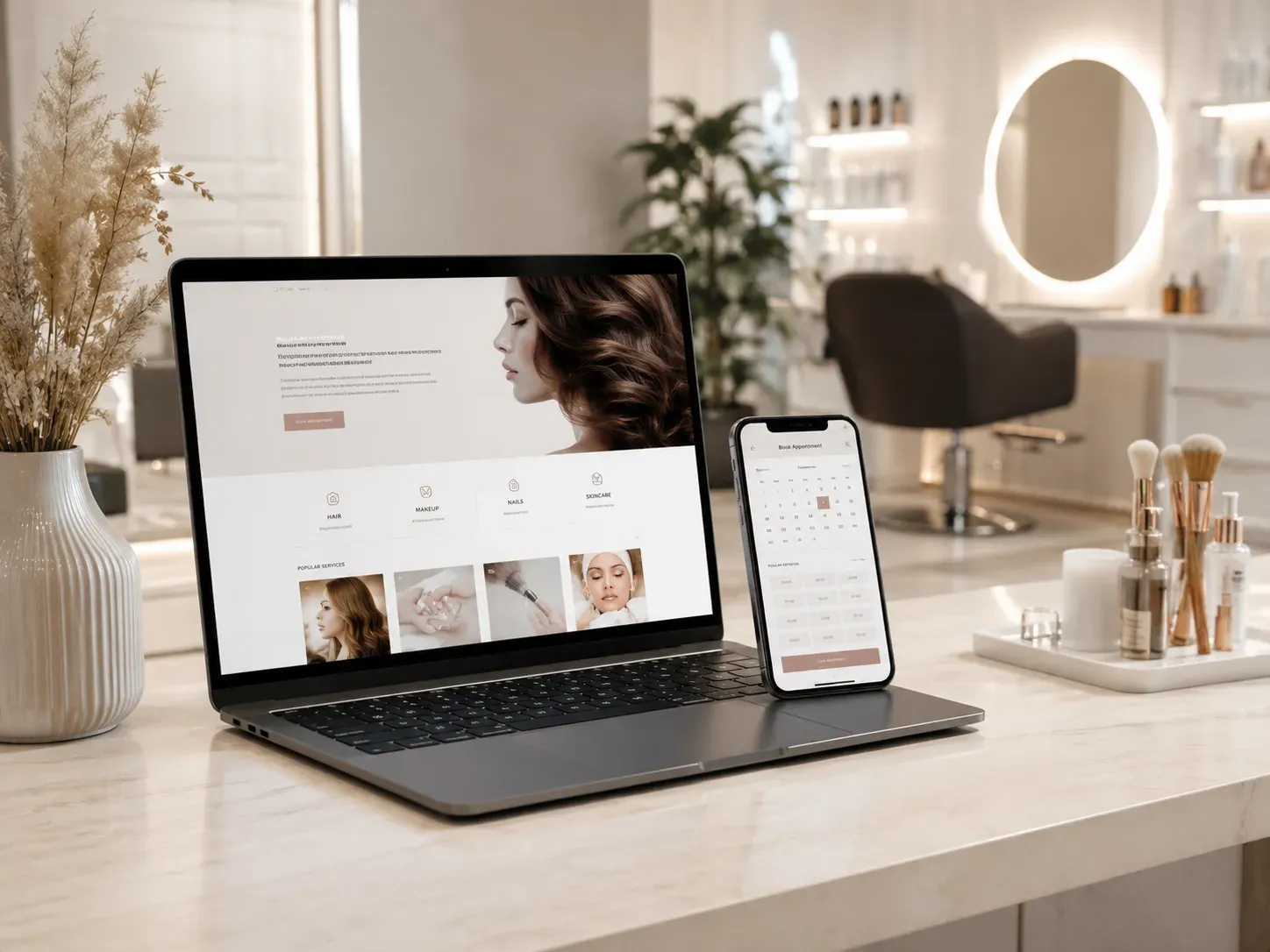
In today's world, a beauty salon website is not just a business card—it's a full-fledged client attraction tool. If your site doesn’t allow online booking, showcase a portfolio, or display reviews, you’re losing potential clients. This article explains what a beauty salon website must include to function as an effective sales channel.
Why a Website Is More Than Just 'About Us'
Many salons still view their website as a static page with contacts and interior photos. However, in a competitive market, this approach doesn’t work. A modern beauty salon website must perform several key functions:
- Attract clients from search engines (local SEO).
- Allow online booking without calls or waiting.
- Demonstrate professionalism through portfolios, reviews, and master profiles.
- Automate routine processes (e.g., booking reminders).
If your website fails to fulfill at least one of these functions, you’re losing clients who are already searching for beauty services in your area.
Structure of an Effective Beauty Salon Website
For a website to work for you, it must be user-friendly, informative, and appealing. Here’s the basic structure to implement:
1. Homepage
First impressions form in seconds. The homepage should include:
- Clear headline with the salon’s name and key offer (e.g., "Hairdressing salon in Kyiv city center with professional masters").
- Online booking button (visible and accessible from anywhere on the page).
- Brief service description (what you offer and how you differ from competitors).
- Client reviews (social proof of trust).
- Photo gallery (portfolio of masters’ work or salon interior).
- Promotions and special offers (incentive for immediate booking).
Example: If you have a promotion like "Haircut + styling for 500 UAH," it should be prominently displayed.
2. Services and Prices
Clients want to know what you offer and how much it costs. The "Services" section should be:
- Clear and structured (categories like hairdressing, manicure, cosmetology).
- Detailed for each service (e.g., "Hair coloring" — duration, techniques, recommendations).
- Transparent pricing (if prices aren’t fixed, provide a range or offer clarification).
Example table:
| Service | Duration | Price (UAH) |
|---|---|---|
| Men's haircut | 30 min | 300–500 |
| Hair coloring | 1.5 hours | 800–1500 |
| Classic manicure | 1 hour | 500–700 |
3. Work Portfolio
A portfolio is your calling card. Clients want to see real results. To make it effective:
- Use high-quality photos (no filters, but good lighting).
- Add brief descriptions (e.g., "Balayage coloring + cascade haircut").
- Update regularly (at least once a month).
Tip: If you have masters with different styles, create separate galleries for each.
4. Online Booking: How to Ensure Clients Don’t Go to Competitors
Online booking is a key element of a modern beauty salon website. If clients can’t book in a few clicks, they’ll go to competitors who offer this convenience.
How Online Booking Should Work:
- Select service and master (client chooses what they need and who performs it).
- Choose date and time (calendar with available slots).
- Enter contact details (name, phone, possibly email).
- Confirm booking (SMS or email reminder).
Additional Features to Boost Conversions:
- Automatic reminders (a day before and on the day of the appointment).
- Ability to reschedule or cancel (without calls).
- Integration with Google Calendar (for clients who use this tool).
Tip: If you have multiple masters, let clients choose a specific specialist. This builds trust and reduces cancellations.
5. Salon Masters: How to Showcase Professionalism
Clients choose not just a salon but a specific master. The "Our Team" section should be detailed:
- Master’s photo (professional, mandatory).
- Brief bio (experience, specialization, education).
- Work portfolio (if the master has a unique style).
- Client reviews (social proof).
Example:
Maria Petrenko Hairdresser with 10 years of experience, certified master in balayage and ombre hair coloring. I love creating natural and stylish looks.
6. Client Reviews: How to Convince New Visitors
Reviews are one of the most powerful persuasion tools. To make them effective:
- Use real reviews (with client photos if possible).
- Respond to reviews (even negative ones—this shows you care about clients).
- Place reviews prominently (on the homepage and in the "Reviews" section).
Tip: Integrate reviews from Google My Business—this builds trust and improves local SEO.
7. Local SEO: How to Rank in Google Top
To ensure clients find your salon in search, the website must be optimized for local queries. Key steps:
- Keywords (use phrases clients search for: "beauty salon in [city]", "hairdresser with online booking").
- Google My Business (create and optimize your profile).
- Local backlinks (mentions of your salon on local websites and forums).
- Content optimization (include address, phone, and working hours on every page).
Example: If your salon is on Khreshchatyk Street in Kyiv, use keywords like "beauty salon on Khreshchatyk" and "hairdresser in Kyiv city center."
8. Mobile Version: Why It Matters
More than half of users search for beauty salons from mobile devices. If your site isn’t mobile-friendly, you’re losing clients.
What a Mobile Version Should Include:
- Fast loading (optimized images and minimal scripts).
- User-friendly navigation (large buttons, minimal scrolling).
- One-click online booking (no unnecessary fields).
Tip: Check your site’s loading speed with Google PageSpeed Insights.
9. Additional Features to Attract Clients
To make the website even more effective, consider adding:
- Chatbot (for quick answers to client questions).
- Loyalty system (discounts for regular clients).
- Blog (helpful articles on hair, skin, and nail care).
- Salon video tours (show the interior and atmosphere).
How SwiftyFlux Creates Beauty Salon Websites as a Full-Fledged Client Attraction Channel
At SwiftyFlux, we understand that a beauty salon website isn’t just about beautiful design—it’s a tool that must work for your business. Here’s how we do it:
1. Business Process Analysis
We start by studying your needs: what services you provide, how client booking works, and what challenges your salon faces. Based on this, we develop a website structure tailored to your business nuances.
2. Conversion-Oriented Design
We create designs that not only attract but also drive action. Online booking buttons, reviews, and portfolios are placed to help clients quickly find information and make bookings.
3. Online Booking Integration
We connect modern online booking systems that allow clients to independently choose services, masters, and convenient times. This reduces the workload on administrators and increases inquiries.
4. Local SEO
We optimize the website for local queries so your salon appears in Google’s top results for searches like "beauty salon in [city]". This includes working with keywords, Google My Business, and local backlinks.
5. Mobile Adaptation
We create websites that look and work equally well on all devices—from desktops to smartphones. This is crucial since most clients search for salons from mobile devices.
6. Routine Process Automation
We integrate the website with CRM systems and other automation tools to reduce manual work for administrators. For example, automatic booking reminders or a loyalty system for regular clients.
7. Ongoing Support and Development
We don’t just create a website and forget about it. We provide support, update content, and help develop the site in response to new challenges and opportunities.
Conclusion
A beauty salon website is not just a business card—it’s a powerful client attraction tool. To be effective, it must be user-friendly, informative, and automated. Online booking, work portfolios, client reviews, and local SEO are the elements that will help your salon stand out from competitors and get more inquiries.
If you want to create a website that works for your business, contact SwiftyFlux. We develop websites that are not only beautiful but also effective.
Ready to create a website that works for your business?
At SwiftyFlux, we develop beauty salon websites that attract clients, automate bookings, and increase inquiries. Contact us, and we’ll help you create an effective tool for growing your business.
FAQ
Can online booking be integrated into a beauty salon website?
Yes, online booking can be integrated using special services or custom solutions. This allows clients to independently choose a service, master, and convenient time, increasing inquiries and reducing the workload on administrators.
What keywords should be used to promote a beauty salon website?
Use keywords that potential clients search for: "beauty salon in [city]", "hairdresser with online booking", "manicure in [district]", "cosmetology [city]". It’s also important to optimize the site for local queries.
Is a blog necessary for a beauty salon website?
A blog isn’t mandatory, but it can help attract additional traffic from search engines. For example, articles on hair, skin, or nail care can draw attention to potential clients and build trust in your salon.
How to make a beauty salon website mobile-friendly?
The website must be responsive, meaning it displays correctly on all devices. It’s important to ensure fast page loading, user-friendly navigation, and a simple online booking process. Check responsiveness with tools like Google Mobile-Friendly Test.
How to build client trust through a beauty salon website?
Trust is built through detailed service and pricing information, real client reviews, a professional work portfolio, and master profiles. It’s also important to have convenient online booking and quick feedback.